Flowise Hosting: Self-Hosted vs. Cloud Options Compared (2026)
Is it better to self-host Flowise on Docker or use a managed cloud service? We compare costs, performance, and 'hidden' DevOps headaches.
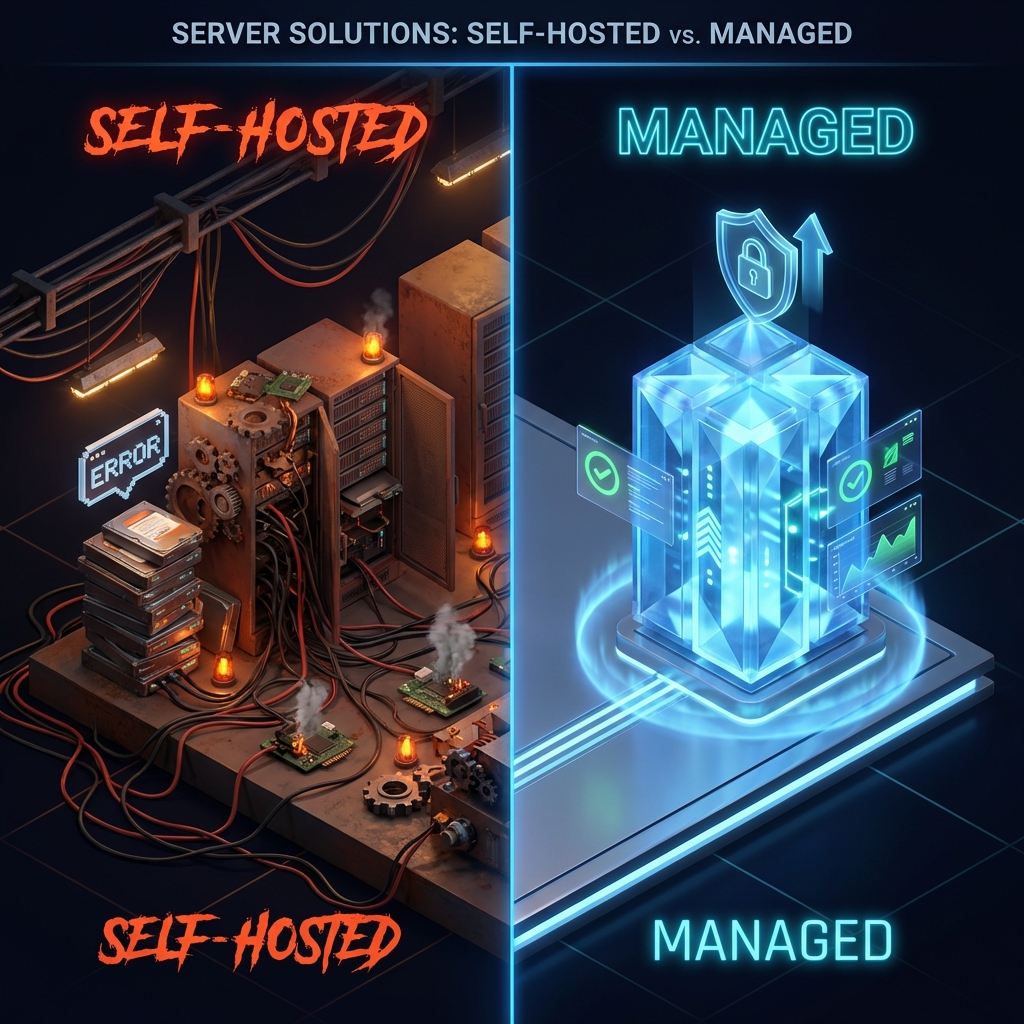
The “Simple” App That Gets Complicated Fast
Flowise is deceptive. It looks like a simple “drag-and-drop” tool for AI agents, similar to n8n or Zapier. You run npm install flowise, start it up, and it works.
But as soon as you try to move from “localhost prototype” to “production agent for a client,” you hit three major roadblocks:
- Persistence: Where does the local database (SQLite) go when your container restarts?
- Vector Store: Your agent needs a brain (Qdrant/Pinecone). Are you going to host that separately?
- Security: How do you protect your API keys and webhooks without a proper reverse proxy?
In 2026, there are three main ways to host Flowise. Let’s break down the pros, cons, and hidden costs of each.
Option 1: The “DIY” Self-Hosted Route
(Docker, VPS, Coolify, Portainer)
This is the default for developers. You buy a 5€/month VPS (DigitalOcean, Hetzner), install Docker, and deploy Flowise.
✅ Pros
- Cheapest on paper: You only pay for raw compute.
- Total Control: You can modify the source code, install custom nodes, or run a specific fork.
❌ Cons
- The “Vector Database” Trap: Flowise needs a vector database to be useful. If you run Qdrant inside the same Docker Compose, you run the risk of memory crashes deleting your agent’s long-term memory.
- Maintenance: You are responsible for SSL certificates (Traefik/Caddy), backups, and updates.
- No Auto-Scaling: If your agent goes viral or you add 10 clients, your 5€ VPS will crash.
Verdict: Great for learning, dangerous for client work.
Option 2: Generic PaaS
(Render, Railway, Heroku)
Services like Render or Railway make deployment easier. You connect your GitHub repo, and they build it.
✅ Pros
- Easy Setup: “Git Push” deployment.
- Managed SSL: HTTPS is handled for you.
❌ Cons
- The File System Issue: Flowise writes data to disk (credentials, local settings). Most PaaS are ephemeral—meaning every time you deploy, the file system is wiped. You must configure persistent volumes correctly, or you will lose all your flows.
- Cost Scaling: Hosting Flowise + a Managed Redis + a Managed Vector DB on Railway can easily jump to 50€-100€/month quickly.
- Latency: Your Flowise instance might be in US-East, your OpenAI API is global, and your Vector DB is in EU-West. This latency kills agent performance.
Verdict: Good for prototypes, but expensive at scale.
Option 3: Flowise Cloud (Official SaaS)
(The platform managed directly by the creators of Flowise)
✅ Pros
- Zero Configuration: Start in seconds.
- Always Latest: Immediate access to new official features.
❌ Flowise Cloud Limitations and Cons
- Closed Environment: You cannot install custom npm/python packages or community nodes that are not pre-approved.
- Data Restrictions: Connecting to a vector database in a private or local network is complex to configure.
- Cost per Execution: Unlike AIBuildr, pricing scaling on Flowise Cloud can be less predictable depending on message volume.
- GDPR and Region: No 100% guarantee of data residency in Europe (Spain/Germany) as provided by local infrastructures.
Verdict: Ideal for testing the tool, but limiting for agencies that need full control.
Option 4: AI-Native Infrastructure (AIBuildr)
(Managed n8n + Flowise + Qdrant Stack)
We built AIBuildr because we were tired of managing separate Docker containers for every client agent. We wanted a “Operating System for Agents.”
✅ Pros
- The “Holy Trinity” Stack: Every instance comes with pre-configured n8n + Flowise + Qdrant. They talk to each other over a private, ultra-fast internal network (Docker Internal Network).
- Persistent by Design: Your flows, credentials, and vector embeddings are stored on dedicated, persistent SSD volumes.
- One-Click Deploys: No YAML files. No terminal. Just click “Deploy Agent Stack.”
- EU Data Residency: Hosting in Helsinki/Falkenstein for GDPR compliance.
❌ Cons
- Less “Low Level” Access: You don’t have root SSH access to the underlying machine (though you have full admin access to the apps).
cost Comparison
| Feature | Self-Hosted (VPS) | Flowise Cloud | AIBuildr.tech |
|---|---|---|---|
| Monthly Cost | ~10€ + 5 hrs/mo | Variable / Rigid | €39 (Flat Rate) |
| Setup Time | 2-4 Hours | < 1 Minute | 2 Minutes |
| Customization | High (Root) | Low (SaaS) | High (App Control) |
| Vector DB | Manual Install | Not Included | Included (Native) |
| Maintenance | Manual Updates | Managed | Managed |
Conclusion
If you have more time than money and love configuring Nginx reverse proxies, Self-Hosting is the way to go.
If you want to build agents for clients and need a stack that “just works” with zero DevOps overhead, AIBuildr offers the only specialized infrastructure for Flowise.
Start your 14-day free trial on AIBuildr and deploy your first production agent today.